Product images
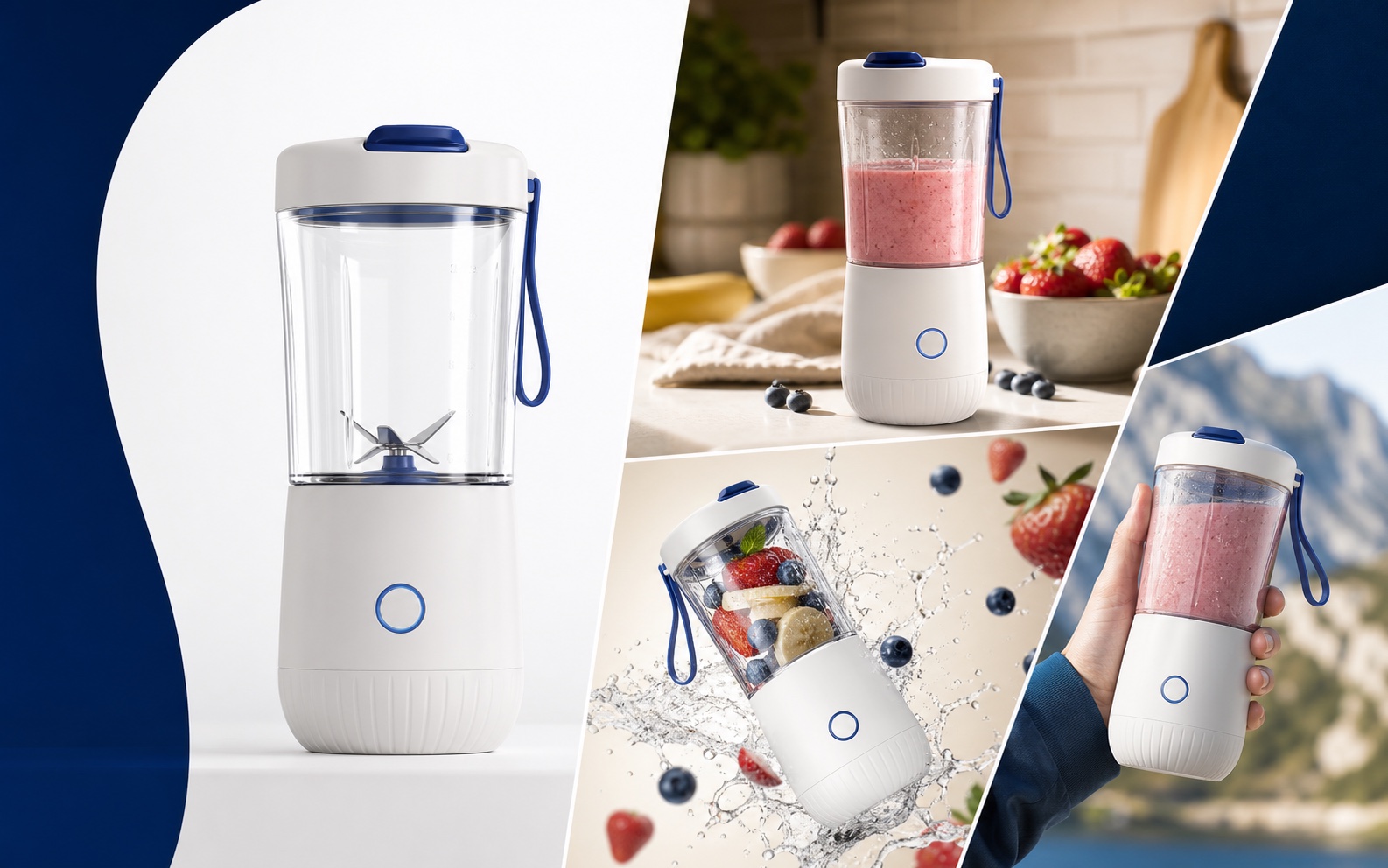
Build a complete listing image set for one product
Create white-background main images, lifestyle scenes, model images, selling-point graphics, and A+, or keep refining a reference image.
Create product imagesSATLIS Visual
Upload your product assets, then create main images, lifestyle scenes, model images, A+, storyboards, and product videos. Save, download, or keep refining every result.
Images and video
Keep using your projects, assets, and creation history as you create images and videos.
Product images
Create white-background main images, lifestyle scenes, model images, selling-point graphics, and A+, or keep refining a reference image.
Create product imagesProduct video
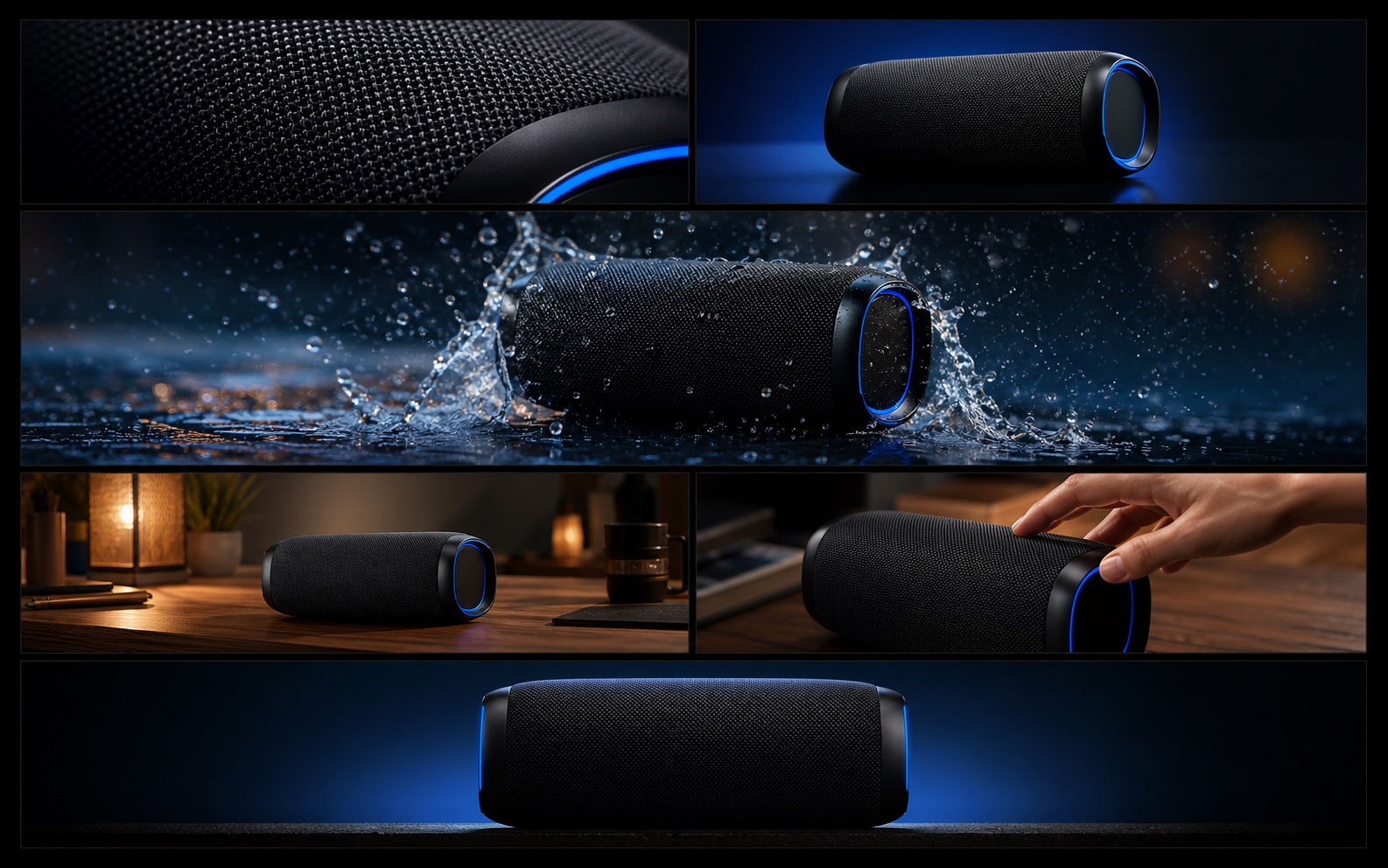
Plan the shot sequence, then create product video, model video, or image-to-video results and continue refining them.
Create product videoExplore what each tool creates and start with the one you need.
Examine the subject, setting, and visual details in a reference image.
Start creatingDescribe a scene to create a new image.
Start creatingCombine reference images into a new composition.
Start creatingCreate main images, lifestyle scenes, and ad images for a product.
Start creatingCreate images of a model wearing, holding, or presenting a product.
Start creatingCreate a coordinated set of images for the same product.
Start creatingTurn a video idea into a sequence of shots and storyboard frames.
Start creatingDescribe a scene and action to create a video clip.
Start creatingAnimate an existing image into a video clip.
Start creatingCreate videos that demonstrate a product and its benefits.
Start creatingCreate a video of a model presenting a product.
Start creatingArrange shots, edit your video, and export the result.
Start creatingSATLIS Visual
Choose an Amazon product or your own files, then select the image or video you want to make.